Documentation Index
Fetch the complete documentation index at: https://companyname-a7d5b98e-w5-api.mintlify.app/llms.txt
Use this file to discover all available pages before exploring further.
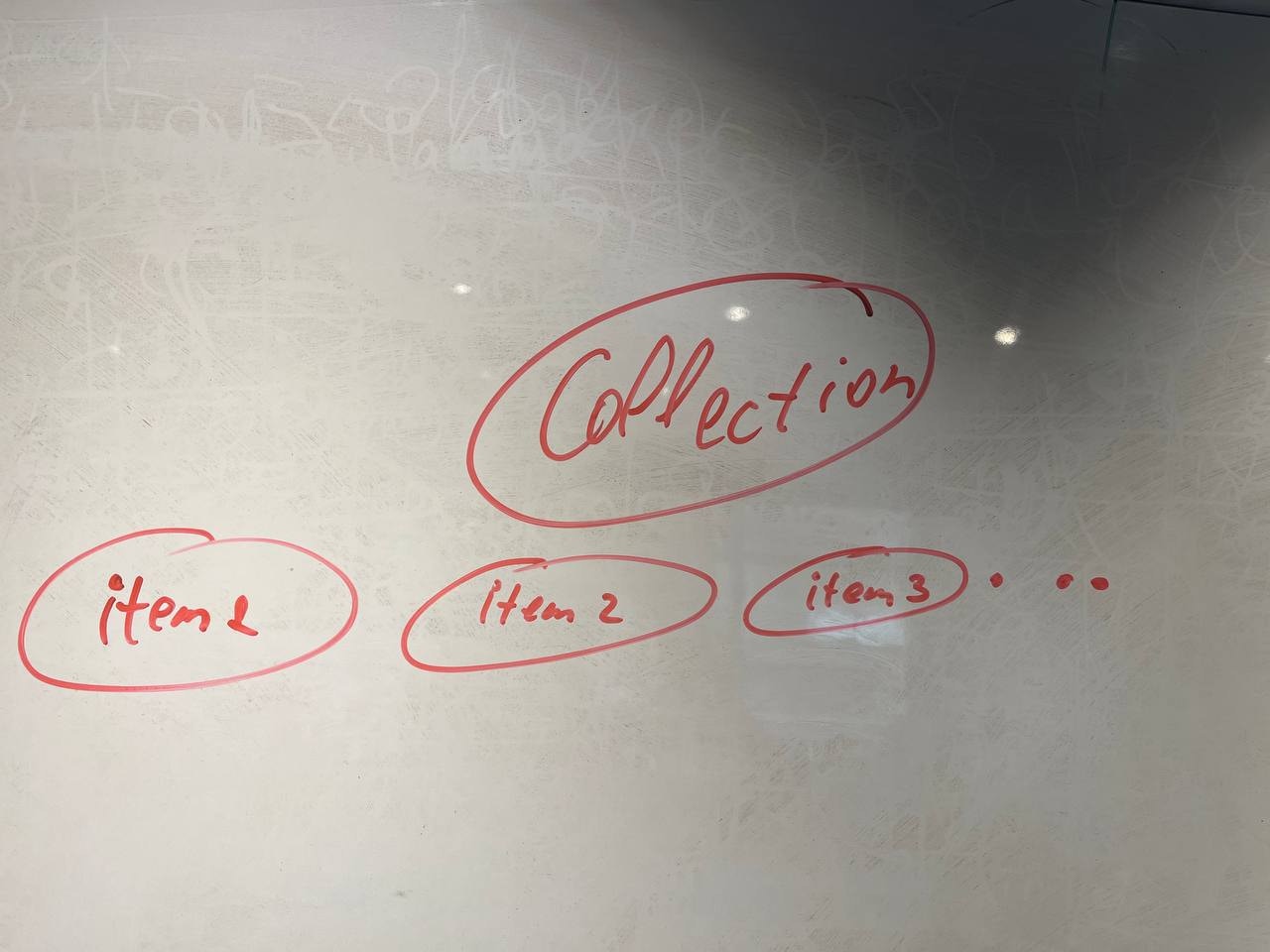
In TON there is a collection smart contract and a separate smart contract for every NFT item — each item is its own contract see more why.
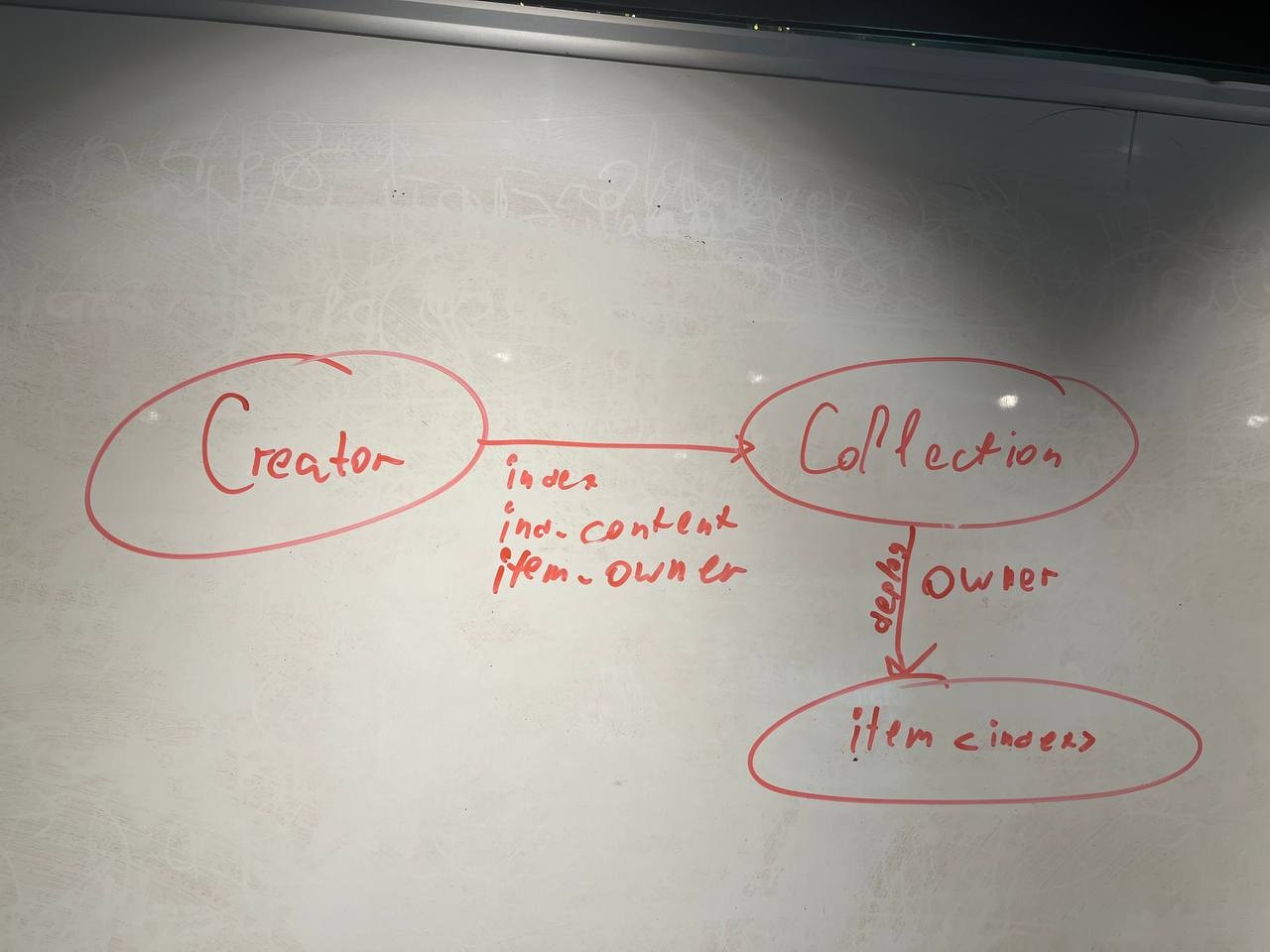
Each NFT knows its collection, its index, and its item-specific part of the metadata. The initial owner is assigned by the collection.
NFT deployment
The collection deploys NFT items with the initial owner and the item-specific metadata.
How to verify an NFT belongs to a collection?
High level
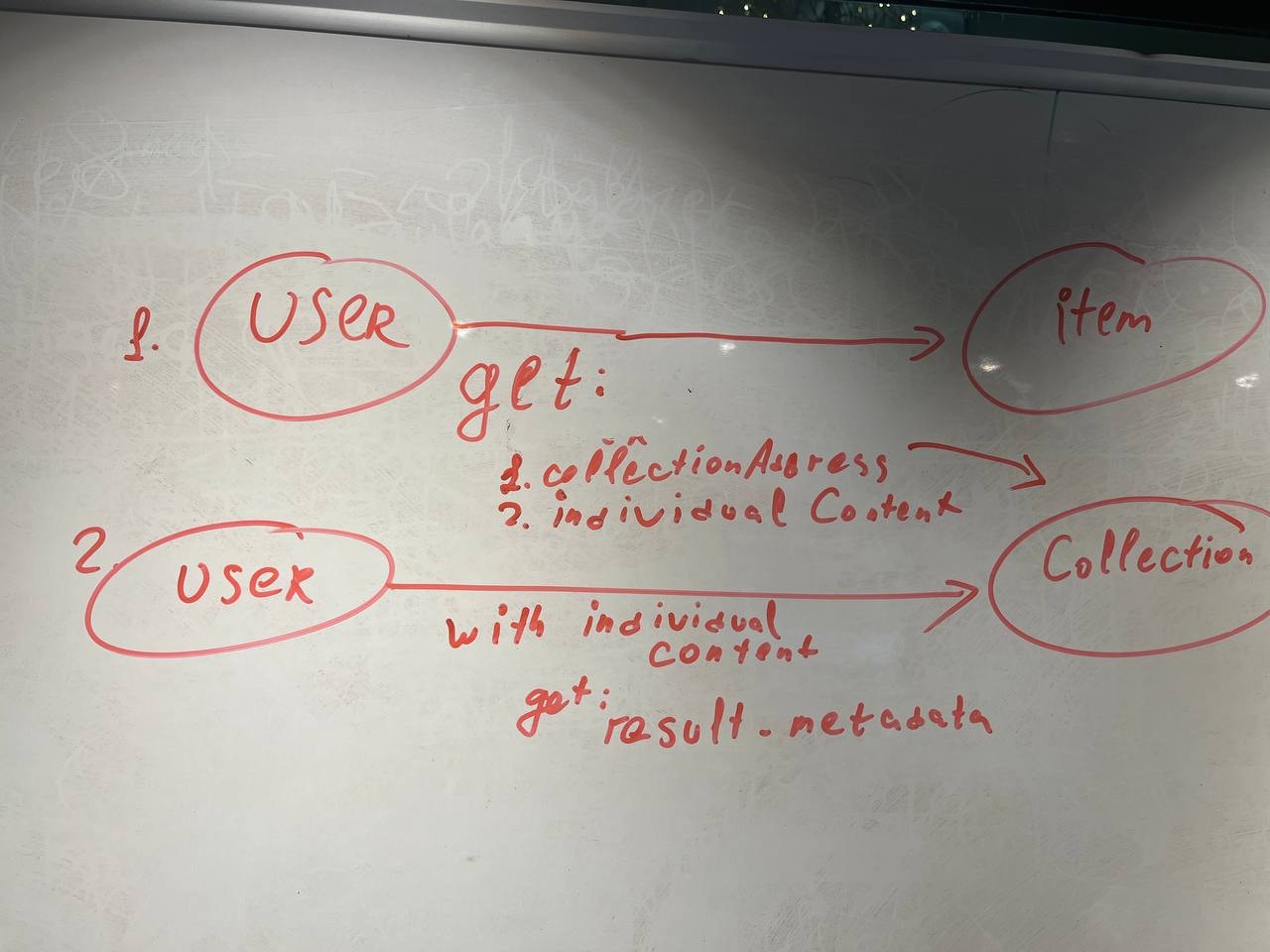
You can do it with a single request:
const itemAddress = "EQD3LzasMd4GAmhIEkCQ4k6LnziTqNZ6VPtRfeZKHu0Fmkho";
const collectionAddress = "EQCOtGTvX-RNSaiUavmqNcDeblB3-TloZpvYuyGOdFnfy-1N";
const url = `https://toncenter.com/api/v3/nft/items?limit=1&address=${itemAddress}&collection_address=${collectionAddress}`;
const options = { method: "GET", body: undefined };
try {
const response = await fetch(url, options);
const data = await response.json();
if (data["nft_items"].length > 0) {
console.log("✅ item in collection");
} else {
console.log("❌ item not in collection");
}
} catch (error) {
console.error(error);
}
Low level
First read the NFT item index. If the collection, for that index, returns the same NFT item address, the item belongs to the collection.
const itemAddress = "EQD3LzasMd4GAmhIEkCQ4k6LnziTqNZ6VPtRfeZKHu0Fmkho";
const collectionAddress = "EQCOtGTvX-RNSaiUavmqNcDeblB3-TloZpvYuyGOdFnfy-1N";
const url = "https://toncenter.com/api/v2/runGetMethod";
const itemPayload = {
address: itemAddress,
stack: [] as any[],
method: "get_nft_data",
};
const headers = {
"Content-Type": "application/json",
};
try {
const itemResp = await fetch(url, {
method: "POST",
headers,
body: JSON.stringify(itemPayload),
});
if (!itemResp.ok) {
throw new Error(
`Item request failed: ${itemResp.status} ${itemResp.statusText}`,
);
}
const itemJson: any = await itemResp.json();
const itemStack = itemJson?.result?.stack;
if (!Array.isArray(itemStack) || !Array.isArray(itemStack[1])) {
throw new Error("Unexpected item stack format");
}
const hex = String(itemStack[1][itemStack[1].length - 1] ?? "");
const itemIndex = Number.parseInt(
hex.startsWith("0x") ? hex.slice(2) : hex,
16,
);
const collectionPayload = {
address: collectionAddress,
stack: [["int", itemIndex]],
method: "get_nft_address_by_index",
};
await new Promise((resolve) => setTimeout(resolve, 2000));
const colResp = await fetch(url, {
method: "POST",
headers,
body: JSON.stringify(collectionPayload),
});
if (!colResp.ok) {
throw new Error(
`Collection request failed: ${colResp.status} ${colResp.statusText}`,
);
}
const realAddress = await colResp.json();
console.log("itemIndex:", itemIndex);
const b64 = realAddress?.result?.stack?.[0][1].bytes as string;
console.log(b64);
const boc = Buffer.from(b64, "base64");
const cell = Cell.fromBoc(boc)[0];
const slice = cell.beginParse();
const resAddress = slice.loadAddress();
if (resAddress.toString() == Address.parse(itemAddress).toString()) {
console.log("✅ item in collection");
} else {
console.log("❌ item not in collection");
}
} catch (error) {
console.error(error);
}
High level
Playground link for metadata
Low level
Metadata is split into two parts: one part is stored on the item, another on the collection. We need to merge them.
To get metadata for an NFT of a particular index, first fetch the NFT item address from the collection, then read the item metadata, then combine it with the collection metadata to get the final result.
NFT transfer
transfer(query_id, new_owner, response_destination, custom_payload, forward_amount, forward_payload)
transfer parameters
| Parameter | Purpose | Value |
|---|
query_id | Request identifier | Any number (e.g., timestamp or counter), usually 0 |
new_owner | Address that should receive ownership | New owner address |
response_destination | Where to send confirmation and excess | Address to receive confirmation/excess |
custom_payload | Custom information passed to the NFT | Not used in standard NFTs; can be used by protocols |
forward_amount | Amount to forward to the new owner with a notification | 0 if no notification; >0 to send notification |
forward_payload | Message for the new owner | Any payload; leave empty if not required |
The NFT updates its owner field and now belongs to the new owner.
Optional
To send a notification to the new owner from the NFT, set a positive forward_amount.
If you want to receive the excess (all remaining TON), set response_destination accordingly.
NFT sale
Often a sale contract is created. First, the sale contract becomes the owner; upon successful purchase, it transfers the NFT to the buyer.
See more:
Best practices
- Metadata referenced by each link should be permanent. If you need to change it, send a transaction that updates the reference.